guide
Cost per answered task: a better way to compare LLM pricing
Provider pricing pages quote a rate per million tokens. That number tells you almost nothing about which model is actually the cheaper choice for your workload, because it ignores the one thing that determines real cost: how often the model actually comes back with an answer.
formula total spend ÷ tasks answered · needs a run across your own tasks
The problem with cost-per-call
Say Model A costs $0.15 per call and Model B costs $0.25 per call. On price alone, Model A looks like the obvious pick: 40% cheaper. But if Model A errors out, times out, or comes back empty on 40% of calls, and Model B only fails that way 5% of the time, the comparison flips entirely once you account for the calls that produced nothing.
A "cheap" call that errors or comes back empty isn't cheap; it's a call you paid for and have to run again, either automatically (orbench retries an empty answer once) or by hand. Cost-per-call ignores all of that.
The fix: cost per answered task
Instead of dividing spend by number of calls, divide it by the number of calls that actually came back with an answer - no error, no empty reply, no content-filter block:
cost per answered task = total spend on the run / number of tasks answeredWorked example, 100 tasks run against each model:
| Model | Cost / call | Answer rate | Total spend | Cost per answered task |
|---|---|---|---|---|
| Model A | $0.15 | 60% | $15.00 | $0.250 |
| Model B | $0.25 | 95% | $25.00 | $0.263 |
In this example the two models end up nearly tied on the number that actually matters, despite Model B costing 67% more per call, very different from what the sticker price alone suggests. Change the answer rates slightly and the ranking can flip completely.
This is deliberately about whether a call produced an answer at all, not how good that answer was. Quality is a separate question, on a scale you define per benchmark - there's no single "passing score" that means the same thing across different criteria, so orbench's reports show the score itself rather than a universal pass/fail cutoff. Cost per answered task stays meaningful regardless of how you score quality.
How to measure it on your own tasks
- Run the same set of tasks (your own prompts, a CSV, or a dataset) against each candidate model, with enough trials to smooth out call-to-call variance.
- Count the calls that came back with an actual answer, excluding errors, rate limits, timeouts and empty replies.
- Sum the actual billed cost for the run and divide by the number of tasks that got an answer.
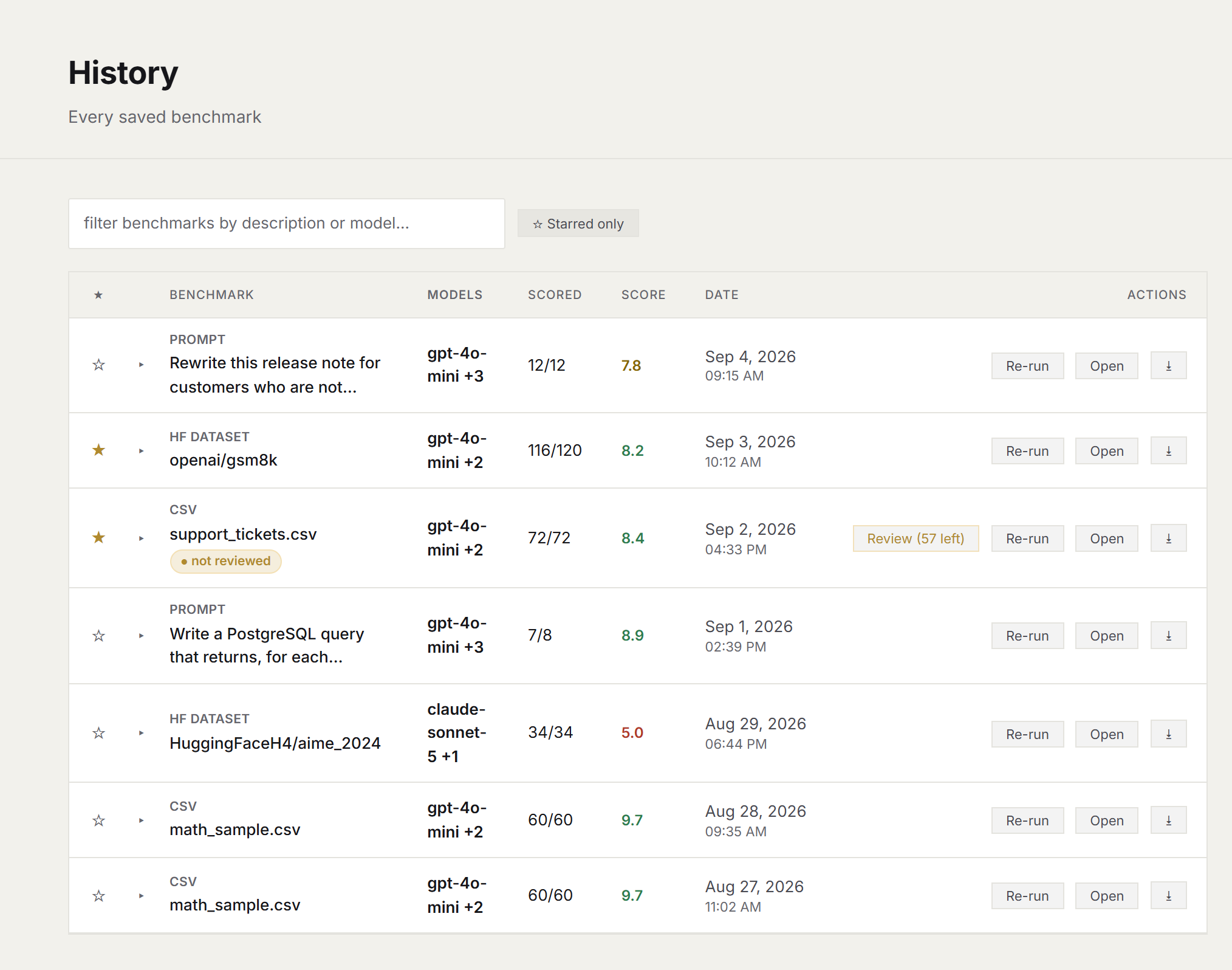
orbench computes cost per answered task automatically for every saved run
Doing this by hand across a spreadsheet works, but it's tedious to repeat every time a new model ships. orbench runs the whole workflow (task setup, trials, judging, and the cost math) locally, and saves the result so you can re-run the exact same comparison later.
Common questions
What is cost per answered task?
Total billed spend on a run divided by the number of tasks that came back with an actual answer. Errors, rate limits, timeouts and empty replies still cost money but produce nothing usable, so they are excluded from the count.
Why is cost-per-call misleading?
It ignores reliability. A model that is 40% cheaper per call but errors or returns empty replies twice as often can end up more expensive once you divide total spend by the tasks that actually got an answer.
Does cost per answered task measure quality?
No. It measures whether a call produced an answer at all, not how good that answer was. Quality is scored separately, on a rubric you define per benchmark.
How do I measure it?
Run the same tasks against each candidate model, count the calls that returned a real answer, and divide total billed cost by that count. orbench computes it automatically for every saved run.
See it on your own workload
orbench computes cost per answered task automatically for every run, no spreadsheet required.